Signature background remover — SI Background Remover
Give your signature a transparent background.
Remove your image background free →
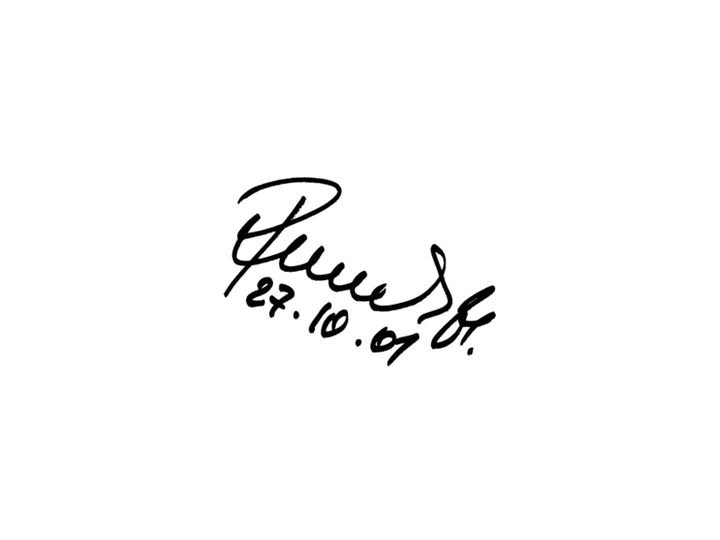

A public-domain historical signature on white processed with the shipped white-background formula. This example uses the actual output, including any soft edge pixels.
Get a useful result
- Photograph or scan dark ink on clean white paper. Choose White background mode; it uses color math without a model download.
- This mode makes white transparent everywhere. It is for ink and flat logos on white, so avoid it when the subject itself contains white areas you want to keep.
- Crop close before choosing your file. Shadows, ruled paper and uneven lighting can remain; Erase can remove stray marks.
Free full-resolution PNG export, no signup or watermark. Processing and editing stay in your browser.